commit与build组合实现nginx镜像制作
前提:需要 centos基础镜像(本次使用 centos:centos7.9.2009)
1、commit制作镜像
先用 commit 制作出:已经安装完成nignx的镜像(nginx:run)
1)根据centos基础镜像创建一个可以后台运行的镜像
运行镜像、进入镜像配置163源、安装依赖
$ mkdir commit
$ cd ccommit && vim Dockerfile		#根据centos基础镜像创建一个可以后台运行的镜像
$ cat Dockerfile
FROM centos:centos7.9.2009
CMD touch /root/q.txt && tail -f /root/q.txt

$ docker build -t nginx:v1 .


$ docker run --name nginx -d -p 80:80 nginx:v1		#运行镜像
$ docker exec -it nginx /bin/bash			#进入镜像安装nginx
$$ cd /etc/yum.repos.d/ && mkdir back && mv *.repo back/ && curl http://mirrors.163.com/.help/CentOS7-Base-163.repo > 163.repo										#配置163yum源
$$ yum -y install gcc gcc-c++ pcre pcre-devel zlib zlib-devel lrzsz make		#安装nginx所需依赖
2)上传nginx源码包
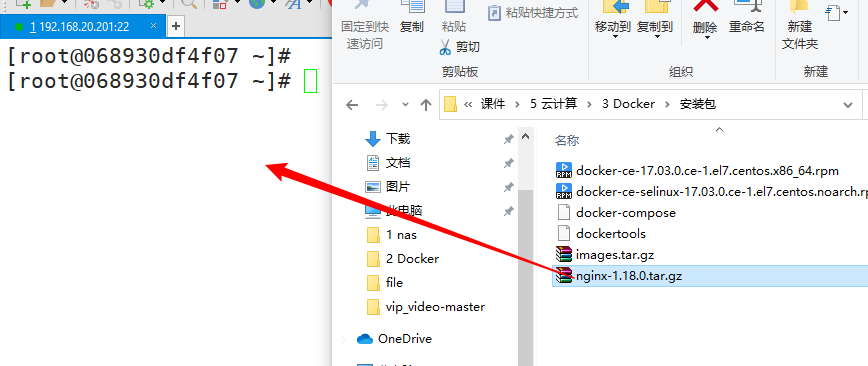
3)安装nginx,并启动
$ tar -xf nginx-1.18.0.tar.gz && cd nginx-1.18.0
$ ./configure --prefix=/usr/local/nginx && make && make install
$ /usr/local/nginx/sbin/nginx
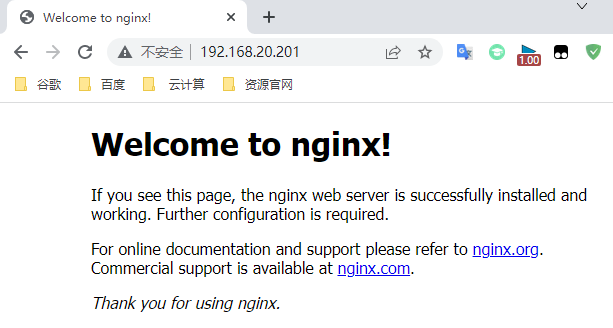
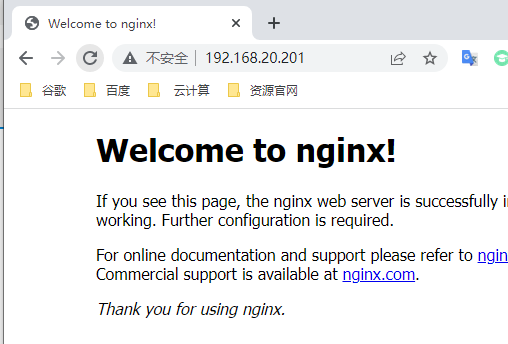
4)浏览器访问测试
5)commit 制作镜像(nginx:run)
docker commit nginx nginx:run
2、build制作镜像
在用 build 对镜像再次制作,使镜像启动就自动运行nginx
1)build制作镜像
$ mkdir build && cd build/
$ vim Dockerfile
$ cat Dockerfile
FROM nginx:run
MAINTAINER yq "yq@qq.com"
LABEL nginx_version=1.18.0
RUN cd /root/ && rm -rf nginx-1.18.0  nginx-1.18.0.tar.gz  q.txt && yum clean all
EXPOSE 80 443
WORKDIR /usr/local/nginx
CMD /usr/local/nginx/sbin/nginx && touch /usr/local/nginx/logs/access.log && tail -f /usr/local/nginx/logs/access.log

$ docker build -t nginx:v2 .			#build制作镜像
2)运行 nginx:v2 镜像
$ docker run --name nginx -d -p 80:80 nginx:v2
3)浏览器访问测试